
KNX Visualisation & Touch Panels
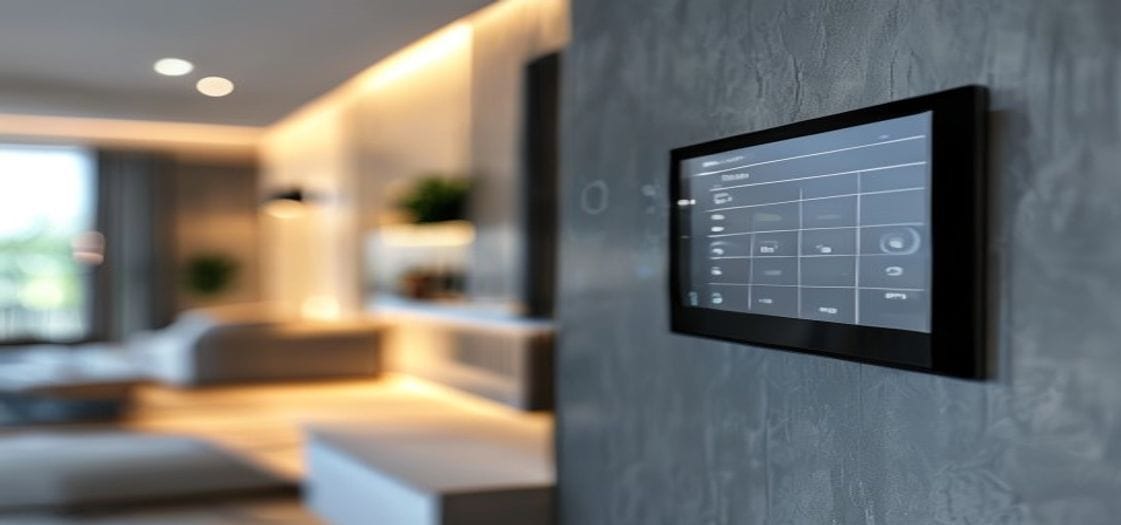
You can build the cleverest automation in the world, but if the people living with it can’t find the scene they want or make sense of their energy use, it may as well not be there. KNX visualisation is the human face of the whole system — the touch panels, apps and dashboards through which lighting, climate, energy, shading and security are seen and controlled from one consistent place. We design and commission everything from a single KNX touch panel to a full ComfortClick server across Europe, all on the open KNX standard, so however many subsystems your building runs, the person using it sees one clear, calm interface.
Good visualisation isn’t decoration — it is what makes the rest usable. A scene only has value if you can find and trigger it; energy data only changes anything if it is shown plainly enough to act on. So we design interfaces that are obvious for a homeowner and complete for a facilities team, without forcing either to compromise.
The panel on the wall
Wall-mounted touch panels are the always-there control point in the rooms that matter — the entrance, the living room, the master suite, the kitchen. Each one shows what is genuinely useful at that spot: lighting and scenes, blinds, room temperature, maybe music, and an “All off” for the way out. Because they sit directly on the bus, they react instantly and always show the real state of things. We lay each one out around how the room is actually used, with clean, labelled pages instead of an intimidating grid of identical buttons.
- Room-relevant pages — only what is worth having at that location.
- Live status — the true state of lights, blinds and climate, always current.
- Scene access — one touch for the moods you use and for “Away” and “Welcome”.
The same system, in your pocket
The mobile app carries that same interface onto your phone and tablet, whether you are upstairs or in another country. You can warm the house before you arrive, check the doors are shut, glance at live energy or trigger a scene from afar — all over a secure connection we set up as part of remote support and maintenance. Crucially, the app mirrors the layout of your wall panels, so there is one way of thinking about your home, not two systems to learn.
When you want the full dashboard
For richer, fully custom dashboards we deploy a visualisation server — ComfortClick bOS is one we reach for often. A server brings graphical floor plans, detailed energy and HVAC charts, scheduling and logic, logging, and the ability to fold in non-KNX kit like IP cameras, intercoms, media and third-party APIs, all into one interface. It is the right call for larger homes, villas and commercial buildings where the visualisation has to consolidate many systems and show how things trend over time. The server becomes the building’s dashboard, while KNX stays the dependable control bus underneath it.
Where energy data turns into decisions
This is the layer where energy and climate data become choices you actually make. We build dashboards that show live consumption, solar production and self-consumption, EV charging status, and per-zone temperatures and modes — with historical trends so you, or a facilities team, can see what changed and why. A clear energy dashboard tends to change behaviour all by itself, simply by making waste visible where it used to be invisible.
Voice and everything else, layered on top
Where people want it, we add voice control so lighting, scenes and climate respond to a spoken word through the mainstream assistants — sitting on top of KNX, never replacing it. That principle runs through everything we do here: KNX stays the reliable backbone, so your buttons and panels keep working even if the internet drops, while voice, apps and servers add the convenience above it. Third-party systems come into the picture through the server, so the whole building still presents as one interface.
How we deliver your visualisation project
- Design — interface structure, panel placement and server selection, aligned with the ETS project.
- Programming — panels, app, dashboards, logic and third-party integration configured.
- Commissioning — every page and control verified on site by our European teams.
- Handover — the interface explained, documented and ready to use, with support after.
For owners and developers, it arrives intuitive from the first touch. For integrators and architects, you get the platform experience, the ETS templates and the catalogue range to specify panels and servers with confidence.
Want one calm interface for the whole building? Tell us what you have in mind and we will design it around you.
Common questions about KNX visualisation
Do I need a server, or are touch panels enough?
For most straightforward homes, wall panels plus the mobile app do the job nicely. A server like ComfortClick earns its place when you want custom dashboards, floor plans, detailed energy trends or non-KNX systems brought in. We’ll advise the right level during design rather than over-spec it.
Will the building still work if the server or internet goes down?
Yes. KNX control runs on the bus itself, so wall buttons and panels keep working regardless of the internet or any server. Apps, voice and server dashboards are convenience layers sitting on a system that stands perfectly well on its own.
Can I control my KNX system by voice?
You can. We integrate the mainstream voice assistants for lighting, scenes and climate, layered over KNX so the spoken commands are a bonus on top of controls that never depend on them.