
Blog
KNX ETS Programming: How a System Goes from Cables to Smart Functions

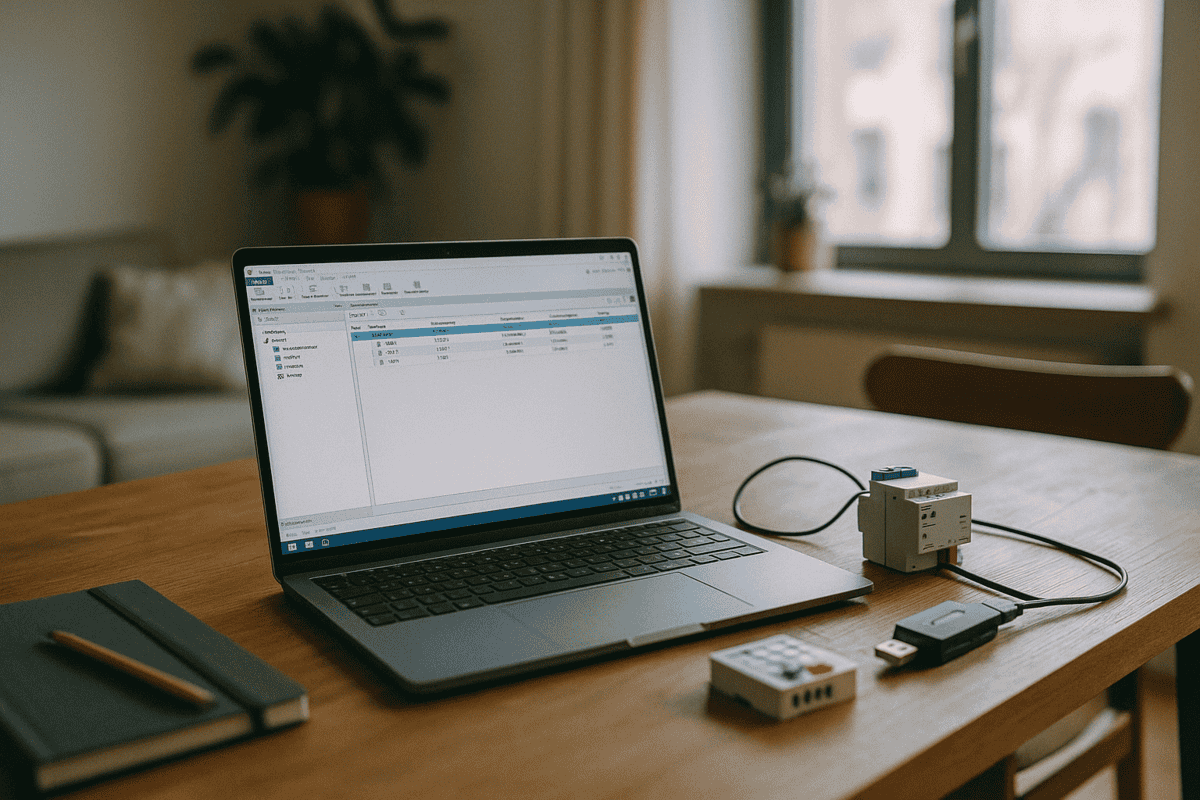
KNX ETS programming is the moment a building’s cable infrastructure becomes an intelligent system that can act on commands. If you have ever wondered how a standard electrical installation ends up controlling lighting scenes, room temperature and blinds automatically, the answer lies in ETS6 (Engineering Tool Software) and the careful configuration of every KNX device on the bus.
Think of it like a professional orchestra. Every musician is skilled and ready to play — but without a score, nothing happens. ETS6 writes that score. It tells each KNX device what to do, when to do it, and which other devices it should communicate with.
What KNX Programming Is and How ETS6 Works
ETS6 is the official software published by the KNX Association for configuring every device in a KNX project. It is the only authorised tool for this purpose and runs on Windows. No third-party alternative exists — every certified KNX integrator worldwide uses the same platform.
At its core, KNX ETS programming means creating group addresses — communication channels through which devices talk to each other over the KNX bus (the dedicated two-wire cable that connects all equipment). A push-button sends an “on” command to group address 1/1/1; the KNX actuator listening on that same address switches the light on. Simple in concept, powerful in practice.
Unlike traditional wiring, where a cable runs directly from a switch to a fixture, the KNX bus is shared. Every device on the line “hears” every message — but each only acts on the group addresses assigned to it. This is what makes the system so flexible. The KNX protocol (ISO 14543) standardises how devices communicate, regardless of manufacturer.
How KNX Hardware Becomes Automated Functions
A common question from contractors and clients alike: why pay for ETS programming when the hardware is already installed and wired? Because without ETS6, you have devices that can communicate — but do not yet know what to communicate.
Before ETS programming:
- KNX actuators are fitted in the distribution board or device back-boxes
- Sensors, switches and thermostats are connected to the KNX bus
- Everything is correctly cabled, but pressing a button does nothing
- Each device has a physical address (e.g. 1.1.5) but no idea who to talk to
After ETS programming:
- Pressing the living-room switch turns on three downlights and a floor lamp simultaneously
- The bedroom thermostat controls both underfloor heating and the zone valve actuator
- A corridor presence sensor activates lighting at 30% at night and 100% during the day
- A single “leaving home” button turns off all lights, closes the blinds and arms the security system
In a 70 m² apartment with 25 KNX devices, ETS programming typically involves creating around 150–200 group addresses and setting parameters for every device. An experienced KNX programmer completes this in roughly 6–8 hours for a mid-sized project.
For a 200 m² villa with integrated lighting, heating, blinds and audio, expect 400–600 group addresses and two to three days of programming. Once complete, a well-configured KNX system runs reliably for 10–15 years — a stark contrast to consumer Wi-Fi systems that require frequent app updates and hub replacements.
The ETS Programming Process Step by Step
For electrical contractors, architects and fellow integrators, here is what the programming workflow actually looks like:
1. Import Manufacturer Databases
You download .knxprod files from each manufacturer’s website (MDT, Jung, ABB, Schneider, Siemens, and others) and import them into ETS6. Without these files, ETS6 cannot recognise the device parameters — there is no shortcut here.
2. Scan and Assign Physical Addresses
You connect a laptop to the KNX bus via a USB interface (such as the MDT SCN-USB) and scan the line. ETS6 detects all connected devices automatically and lets you assign physical addresses to each one.
3. Build the Group Address Structure
You organise addresses by function: 1/1/X for lighting, 1/2/X for blinds, 1/3/X for heating. The standard three-level structure (Main / Middle / Sub) keeps even large projects legible and maintainable.
4. Parametrise Each Device
For every actuator, sensor or input device, you configure specifics: response delay, dimming curve, comfort and standby temperatures, blind travel times and limits. A four-channel MDT actuator alone can have over 100 configurable parameters.
5. Link, Download and Test
You assign devices to group addresses (send / receive / read), download the project to the bus and test every function. A properly configured KNX system responds to any command in under 100 ms.
Typical programming durations: 2–3 hours for a studio apartment; 8–12 hours for a medium-sized house; 3–5 days for a villa with fully integrated systems. The ISO 14543 standard guarantees that a project configured today will still work a decade from now with new devices from any of the 500+ certified KNX manufacturers — you are never locked into a single supplier.
What Happens When KNX Programming Is Done Poorly?
A poorly programmed KNX system produces frustrating symptoms: functions that do not respond, sluggish command execution, or scenes that trigger unexpectedly. The hardware is almost never at fault — the issue is always in the configuration. The most common mistakes include duplicate group addresses, incorrect timing parameters, and devices linked to the wrong functions (for example, a temperature sensor mapped to a lighting circuit instead of a heating zone).
An experienced KNX technician can usually identify and fix these issues in a few hours. What causes months of frustration for an end user is often a straightforward correction for someone who knows the platform. Our remote KNX support service handles exactly these situations.
Can Programming Be Changed After the System Is Live?
Absolutely — and this is one of KNX’s most practical advantages over conventional wiring. Want to add a new sensor, change a scene or reassign a button? Connect a laptop, make the changes in ETS6, and download only the modified objects to the bus. No recabling. No system downtime. You can test a change, revert it if it does not feel right, and try something else — all within minutes.
What Does KNX ETS Programming Cost?
Programming costs vary across Europe depending on project complexity and the integrator’s experience, but as a general guide: a standard two- or three-bedroom apartment with 20–30 devices typically falls in the €300–€600 range for programming alone. A complex villa with full system integration generally runs €800–€2,000 or more.
It is a one-off investment. The same configuration — with minor updates — serves the building for the lifetime of the installation. When you consider the total cost of a KNX villa project, programming is a relatively small share of the budget, yet it determines whether everything else actually works as intended.
For apartment and smaller residential projects, commissioning costs are proportionally lower, and the scope of programming is well-defined from the outset.
Ready to Get Your KNX System Programmed Correctly?
Whether you are starting a new build, troubleshooting an existing installation, or planning a system upgrade, the quality of ETS6 programming makes all the difference. Our team of certified KNX engineers works across Europe — on site or remotely. Send us your project details and we will give you a clear, fixed quote with no surprises.