
Blog
KNX Actuators: How to Choose the Right Actuator for Every Circuit

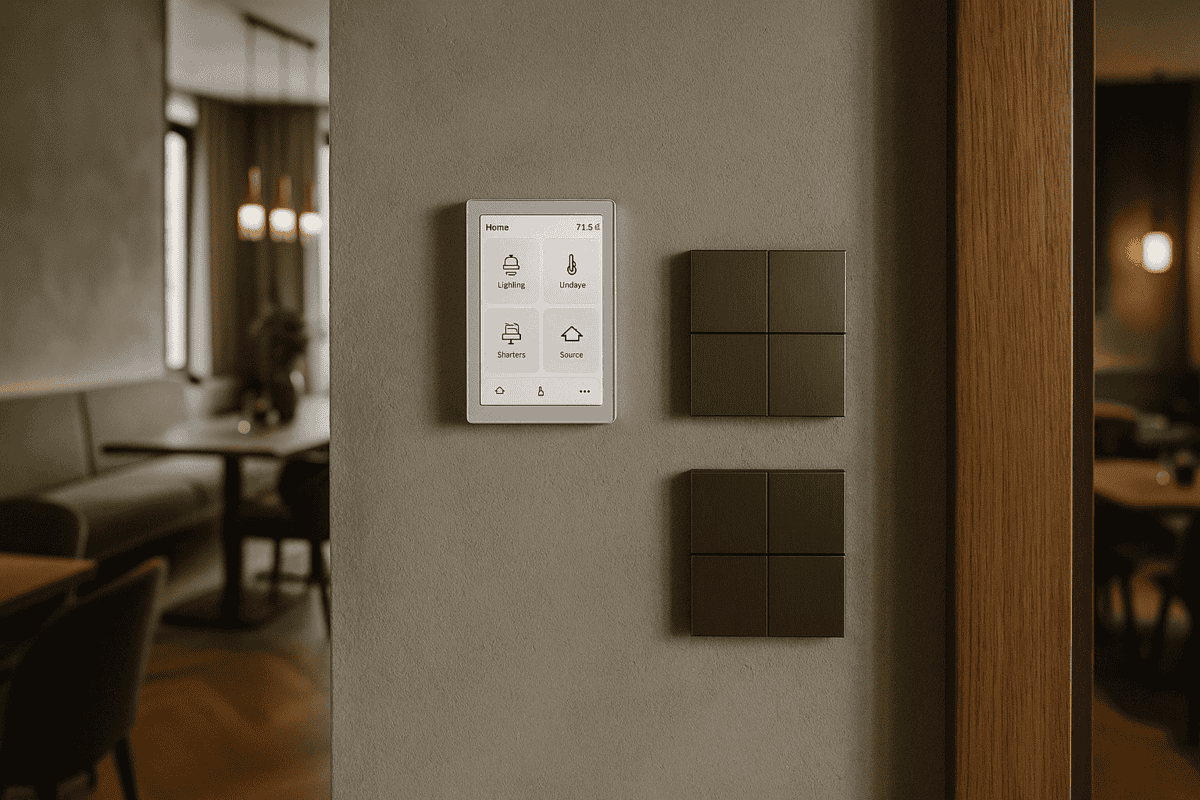
Let’s start with the basics. KNX actuators are the devices that carry out commands in your smart building system — they switch lights on, move blinds, control ventilation. Choosing the right actuator for each circuit comes down to three things: what you need to control, how much power it draws, and where the actuator will be installed.
What KNX Actuators Are and How They Work
KNX is the internationally recognised open standard for building automation, accepted in over 190 countries. A KNX actuator receives commands over the KNX bus — a dedicated low-voltage cable that connects every device in the installation — and acts on them. Think of it as a smart relay: instead of pressing a wall switch manually, you send a command from an app, a touch panel or an automated schedule, and the actuator executes it.
Here are the terms you’ll come across most often:
- Switch actuator (relay): turns loads on or off — lights, sockets, fans
- Dimmer actuator: adjusts light intensity from 0% to 100%
- Blind/shutter actuator: drives motors for blinds, roller shutters and curtains
- Channels: the number of independent circuits a single actuator can control — typically 2, 4, 8 or 16
The key difference from a conventional installation: instead of running a switching cable from the wall switch to the light, you run the power cable directly from the actuator to the load. All control signals travel over the KNX bus, completely separate from the mains wiring.
How to Choose the Right KNX Actuator for Your Project
The selection depends on what you’re controlling. Here’s how to think through each type of circuit.
Lighting — relay or dimmer?
LED fittings and conventional lamps need different approaches. A 16 A KNX switch actuator will control any type of light, but only on/off. If you want to dim, you need a KNX dimmer actuator.
A practical example: in a 70 m² apartment with 15 lighting circuits, you might use an 8-channel switch actuator for bathrooms, corridors and the kitchen (where dimming isn’t needed), plus a 4-channel dimmer actuator for the living room and bedrooms. Budget for roughly €800–900 for both actuators combined. For a detailed look at lighting control options, see our KNX lighting control page.
Sockets and electrical appliances
Controlled sockets use 16 A switch actuators, with one channel per socket or group of sockets. For high-draw appliances — water heaters, washing machines, heat pumps — check the maximum current rating; some actuators are rated up to 20 A per channel.
For a 200 m² house with 12 controlled sockets across living areas, bedrooms and a terrace, an 8-channel 16 A actuator covers the standard circuits comfortably. A separate 4-channel unit handles the heavy loads: water heater, heat pump, irrigation pump.
Blinds and roller shutters
Each blind motor needs 2 channels on the actuator — one for up, one for down. A 4-channel KNX blind actuator therefore controls 2 motors. For 6 windows with electric blinds, you’d need either three 4-channel actuators or a single 8-channel unit plus a 4-channel one.
Specialist blind actuators from manufacturers such as MDT include motor-blocking protection and automatic run-time calibration — useful features that save time during commissioning and extend motor life.
Technical Specifications: What to Check Before You Specify
When designing a KNX installation, actuators are selected against several technical parameters:
- Maximum current per channel: 10 A, 16 A or 20 A — sized according to the connected loads
- Contact type: electromechanical relay (durable, audible click) or solid-state (silent, higher cost)
- DIN rail width: 2TE, 4TE, 6TE or 8TE — plan your distribution board space accordingly
- Additional functions: energy metering, internal logic, scenes, timers
- Diagnostics: status LEDs, fault reporting over the KNX bus
One approach worth knowing: some integrators fit actuators with integrated relays directly inside the wall switch unit rather than in the distribution board. This reduces cable runs, keeps the board neater, and makes fault-finding quicker — you can see immediately which circuit has an issue without opening the board.
Sizing actuators correctly
Add up the power of all loads connected to a given actuator. A 4-channel 16 A actuator can handle up to 16 A × 230 V = 3,680 W per channel, or just under 15 kW in total across all channels.
An example for a 40 m² living room:
- LED downlights: 12 × 7 W = 84 W (one dimmer channel)
- Perimeter LED strip: 25 W/m × 15 m = 375 W (one dimmer channel)
- TV and home-cinema socket: 500 W (one switch channel)
- Sofa-area socket: 200 W (one switch channel)
Total: 1,159 W across 4 channels. A single mixed-function actuator (2 dimmer channels + 2 switch channels) covers the entire room. If you’d like to explore how KNX handles HVAC loads in the same installation, our KNX HVAC control guide covers that in detail.
KNX Actuators vs Wi-Fi or Zigbee — Is the Investment Worth It?
It’s a fair question. Wi-Fi smart relays cost less upfront, so why go KNX?
KNX actuators work without an internet connection. If the router goes down, the lights still respond to physical switches — nothing stops working. Wi-Fi devices typically can’t say the same. KNX actuators also have a service life of 15–20 years; consumer Wi-Fi devices often lose manufacturer support within 3–4 years, forcing replacement.
On reliability: the KNX bus runs at 24 V DC on a dedicated cable, completely isolated from the wireless environment. Response time is under 100 milliseconds regardless of how many Wi-Fi devices are on the network. For a fuller comparison, take a look at our KNX vs Tuya vs Loxone comparison.
A system with 20 KNX actuators typically costs around 40% more upfront than an equivalent Wi-Fi solution. Over 10 years, however, the total cost of ownership tends to be significantly lower — fewer replacements, less maintenance, no subscription fees.
Frequently Asked Questions About KNX Actuators
What happens if a KNX actuator fails?
Because KNX is a distributed system, a failed actuator only affects the circuits it controls — the rest of the installation carries on normally. Most KNX actuators also retain a manual override, so even a completely failed unit leaves its circuits operable from the physical switch. A qualified technician can typically swap a DIN-rail actuator in around 30 minutes. For more common questions, visit our KNX FAQ.
Can any type of load be connected to a KNX actuator?
KNX actuators handle virtually any electrical load within their current rating: motors, pumps, heating systems, fans, sockets. For inductive loads (motors) or capacitive loads (large LED drivers), select actuators with contacts rated for those load types — the manufacturer datasheets are explicit about this. If you’re unsure, it’s worth checking with your KNX integrator before specifying.
How many KNX actuators can go on one line?
A KNX line officially supports up to 64 devices, though in practice most engineers keep it to 40–50 for headroom and performance. Larger installations are split across multiple lines connected through line couplers. A 100 m² apartment typically uses 8–12 actuators, well within a single line’s capacity.
If you’d like to understand how actuators fit into a full KNX design, our KNX design and ETS programming service explains the process from first schematic to final commissioning.
Ready to Specify Your KNX Actuators?
Getting the actuator selection right at design stage saves significant time and cost during installation. If you’d like a clear recommendation for your specific project — whether it’s an apartment, a villa or a commercial fit-out — we’re happy to work through the numbers with you. Request a free consultation and we’ll calculate exactly how many actuators you need, on which channels, and at what cost.